Contact Based Examples
- Dynamic images use a placeholder but will take an image URL associated with the enrolled object
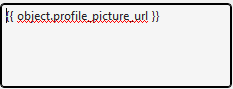
Eg. Display profile Picture
- With the custom property you made for the profile picture, put the token in the ALT text
- The ALT text holds the token.

Deal Based Examples
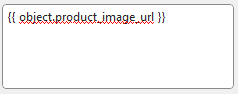
- Dynamic images use a placeholder but will take an image URL on the custom property on the enrolled object
Eg. Display Product Picture
- With the custom property you made for the product image, put the token in the ALT text as seen below, this allows it to change dynamically